
Choose your Level Set
Pick a small set of tasks that actually fit today.
Gentle daily focus
Pile Leveler helps you choose what matters today, keep the rest safely waiting, and move forward without shame.
What is Pile Leveler?
Pile Leveler is a gentle daily focus app built around the idea that not everything in life has to be carried at once.
Instead of pushing endless productivity, it helps you choose a small Level Set for the day, move extra tasks into Waiting, and review progress with grace.
Some days are full. Some seasons are heavy.
Pile Leveler was created to help people stop measuring their worth by whether every pile is cleared.
The goal is not perfection. The goal is faithfulness, peace, and forward movement.
The heart behind it
How it works
Start with what belongs in your hands today. Let the rest wait without guilt.
Pick a small set of tasks that actually fit today.
Move extra tasks somewhere safe so they are not forgotten.
Make real progress without demanding that everything be finished.
Notice what moved, what mattered, and what can wait for another day.
Inside the app
Pile Leveler gives each part of the day a clear, gentle place to land.
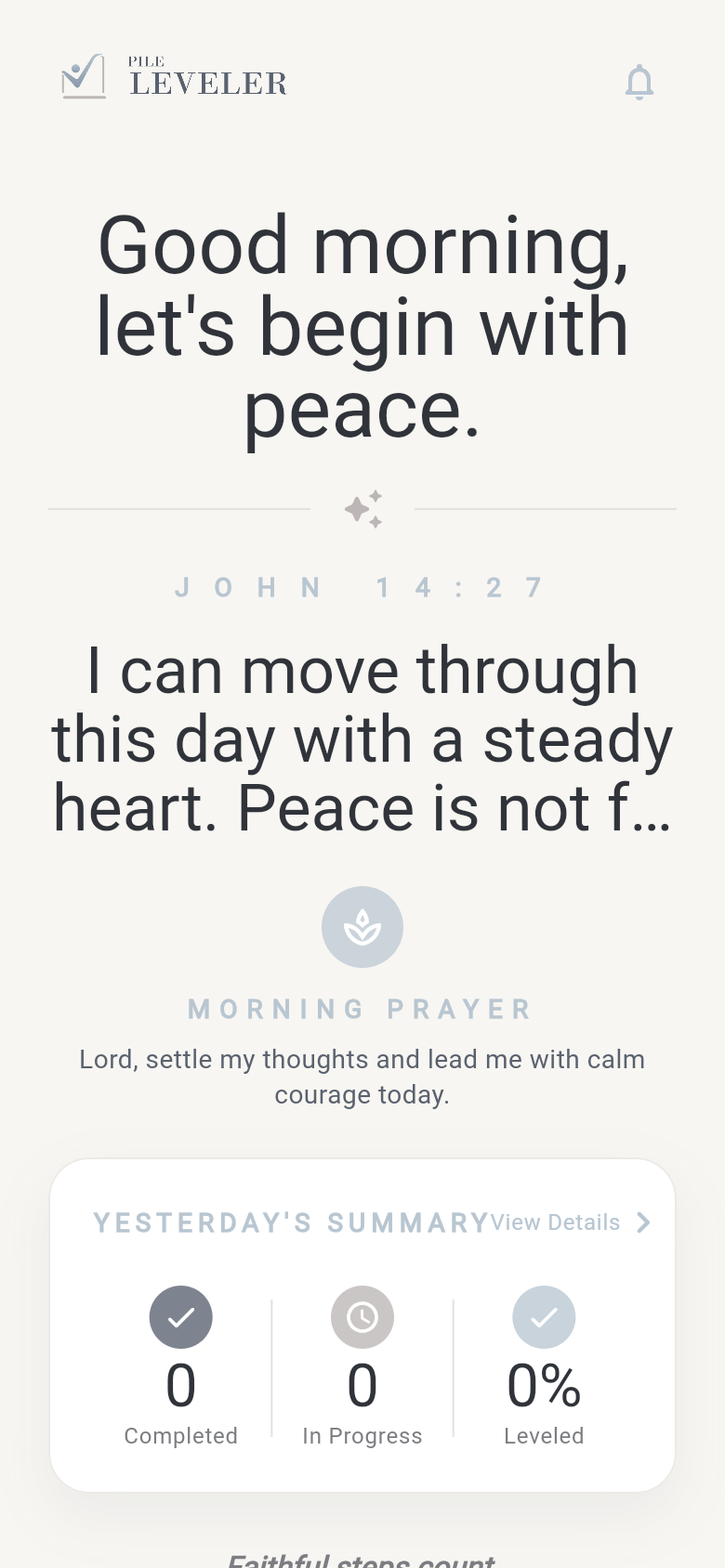
A gentle opening rhythm helps you start the day without rushing straight into the list.
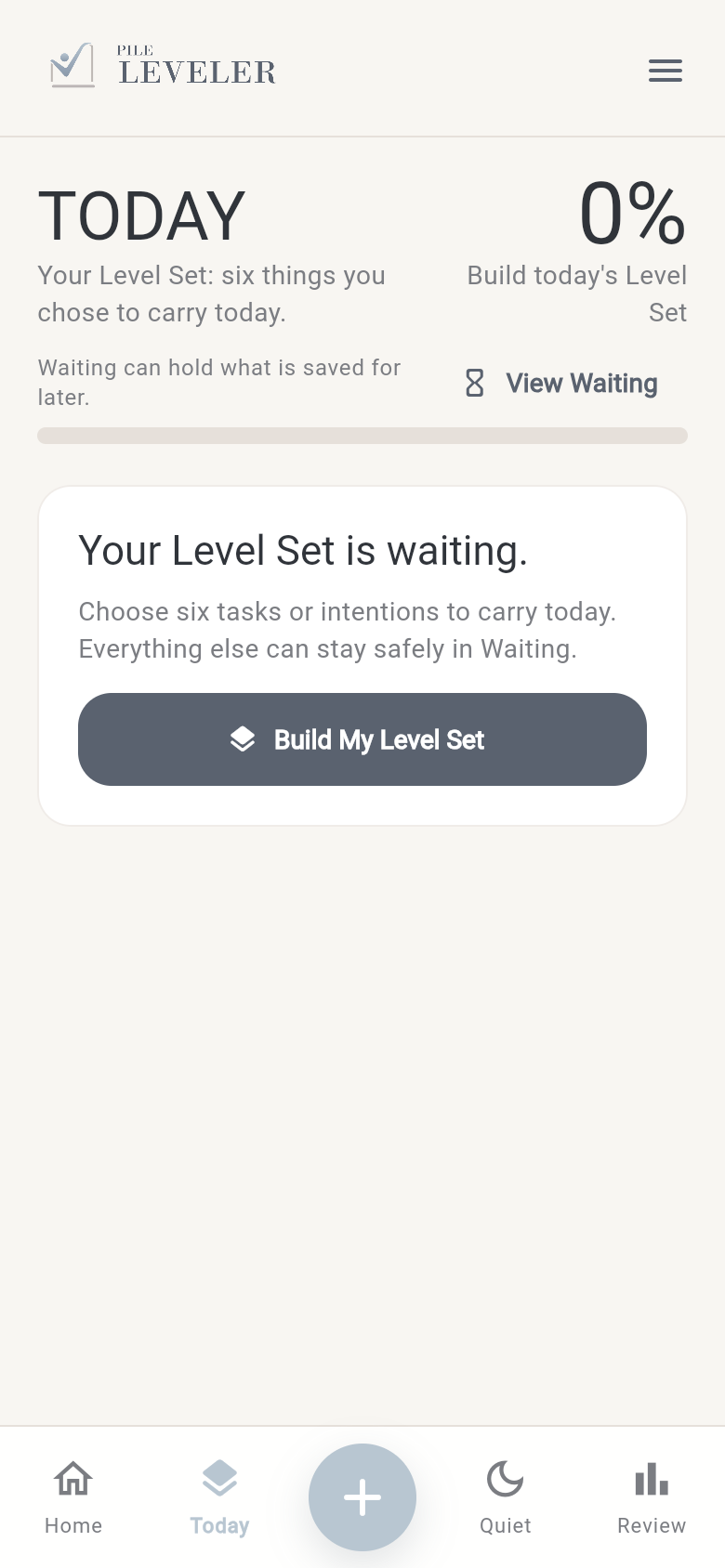
Your Level Set keeps the day focused, while everything extra can wait safely.
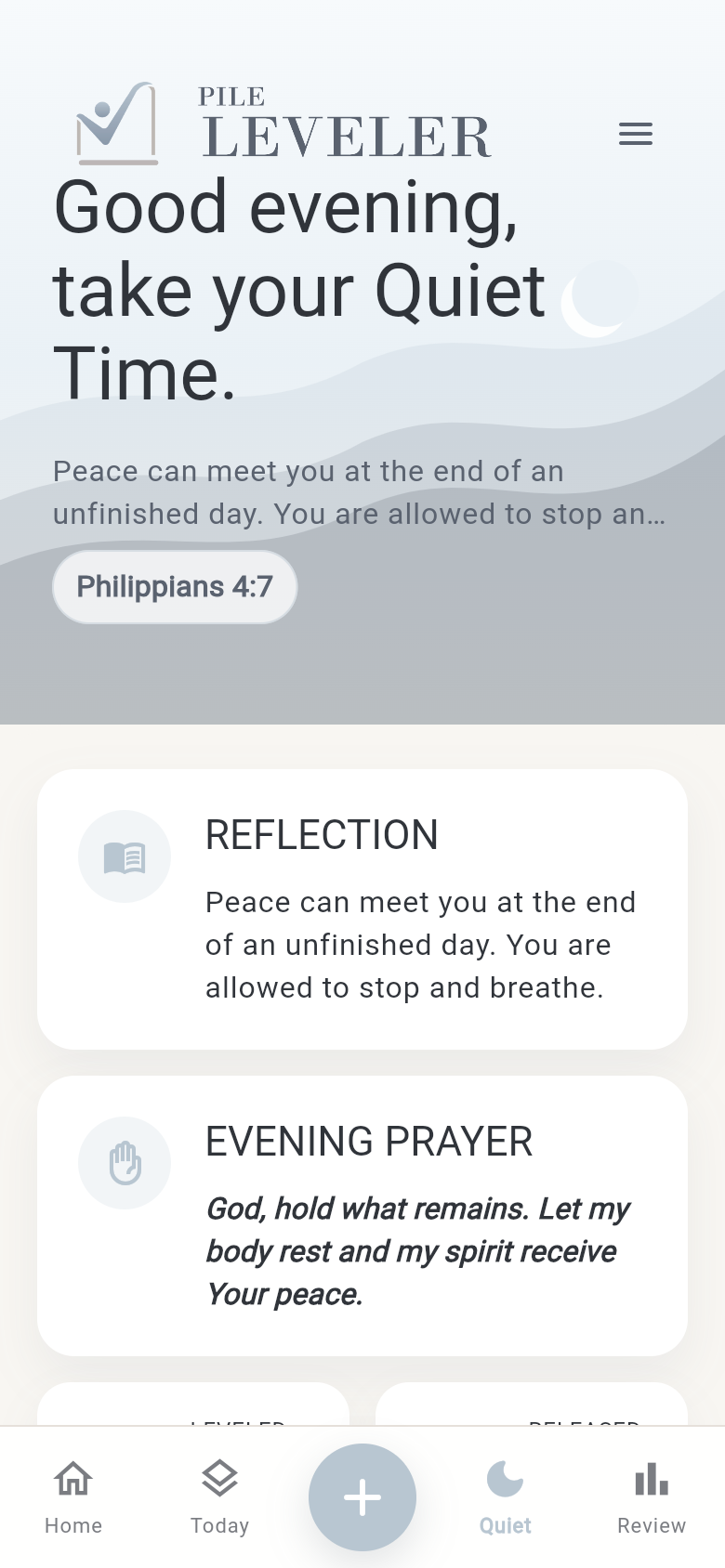
Reflection and quiet-time prompts create space to breathe at the end of an unfinished day.
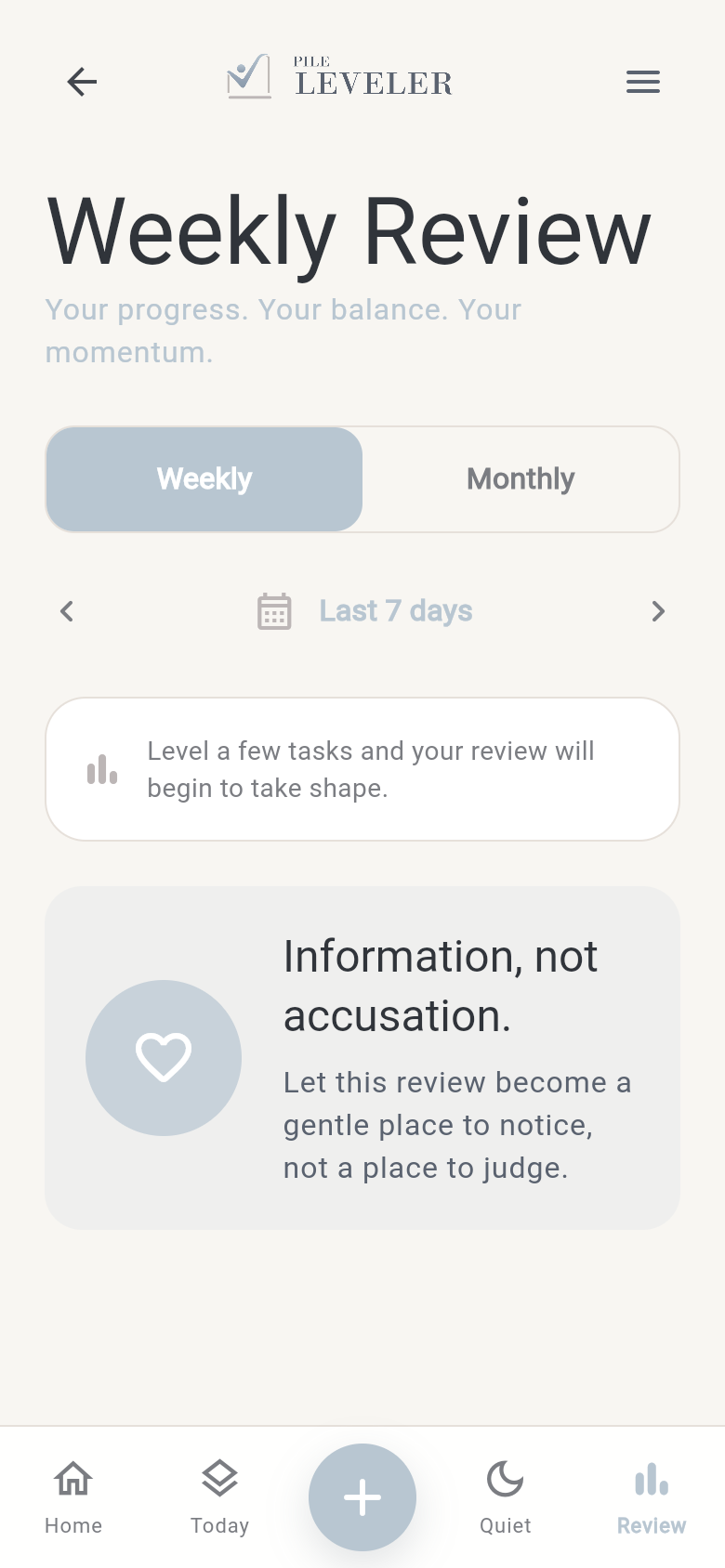
Review what moved with kindness, so progress can be noticed instead of judged.
Good for real life
For people carrying home, work, family, and personal tasks at the same time.
For anyone who feels overwhelmed by a list that never seems to end.
For users trying to build daily rhythms without turning life into a race.
For people who want a softer alternative to productivity apps built around pressure.
For users who want reminders that progress counts even when the day is imperfect.
For people who appreciate gentle reflection without a preachy or exclusive tone.
Some things are meant to wait. Some days are lighter than others. Progress still counts.
Features preview
Choose the tasks that belong in today.
Keep what matters safely held for later.
Organize tasks into meaningful areas of life.
Look back at what was restored or moved.
Create backup files and restore them when needed.
Monthly and annual subscriptions may include a 6-month free trial.
Privacy and trust
Pile Leveler is designed to keep your app data close to you.
Your app data stays on your device unless you choose to create and save a backup file. Subscriptions are handled through your app store account.
Read the Privacy PolicyContact us
Send a quick note about the app, subscriptions, privacy, or anything that feels unclear.