Estimate output. Then test the equipment.
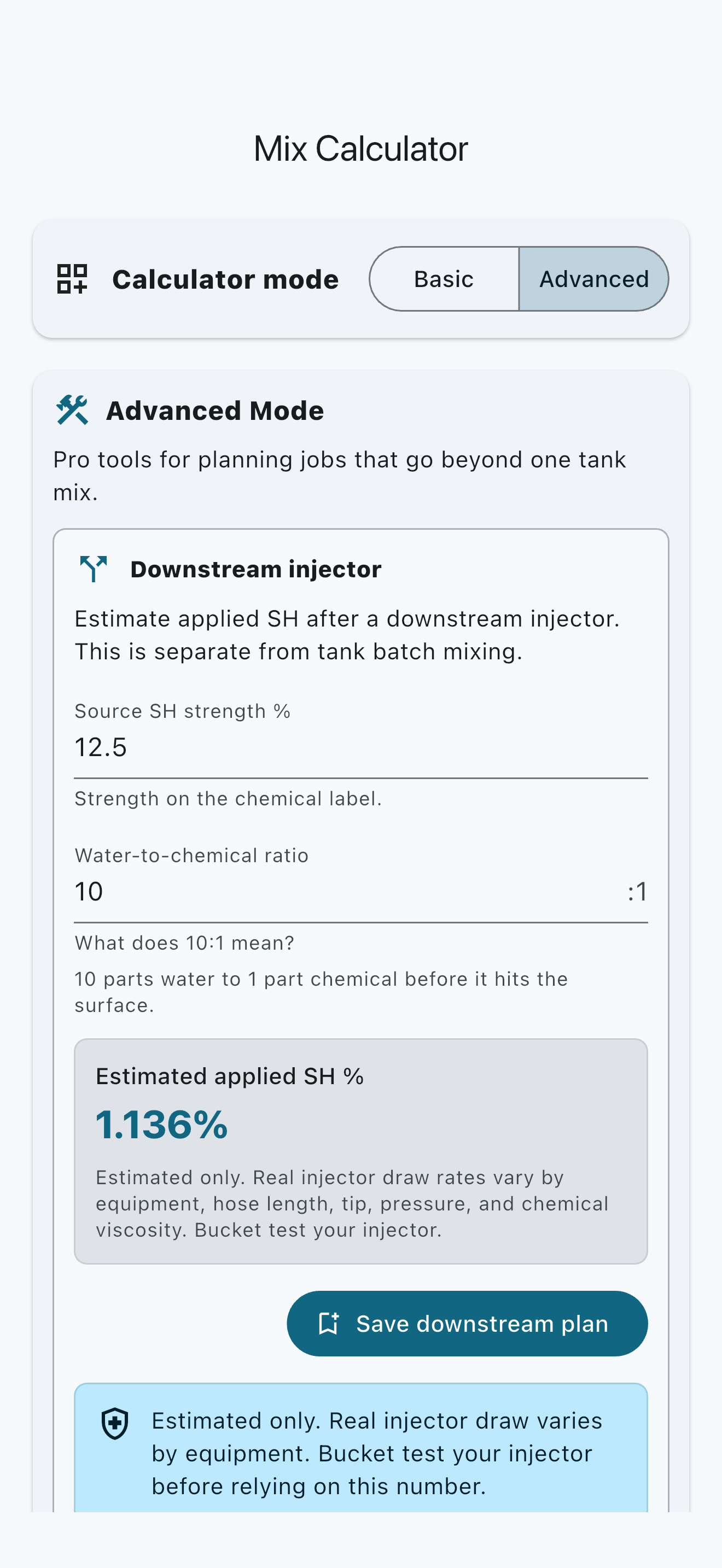
Advanced Mode estimates applied SH after a downstream injector and keeps the bucket-test boundary beside the result.
Pro planning tool
SH batch planning for the field
Turn final volume, source strength, and target strength into clear SH and water amounts. Work in gallons or liters, save useful context on your device, and reach for advanced tools only when the job calls for them.
App Store update in review. The existing iOS listing will return here after Apple makes it publicly available.
The working sequence
Batch Mix keeps the everyday path short: enter what you know, read the calculated amounts, and keep the result for later if it is worth saving.
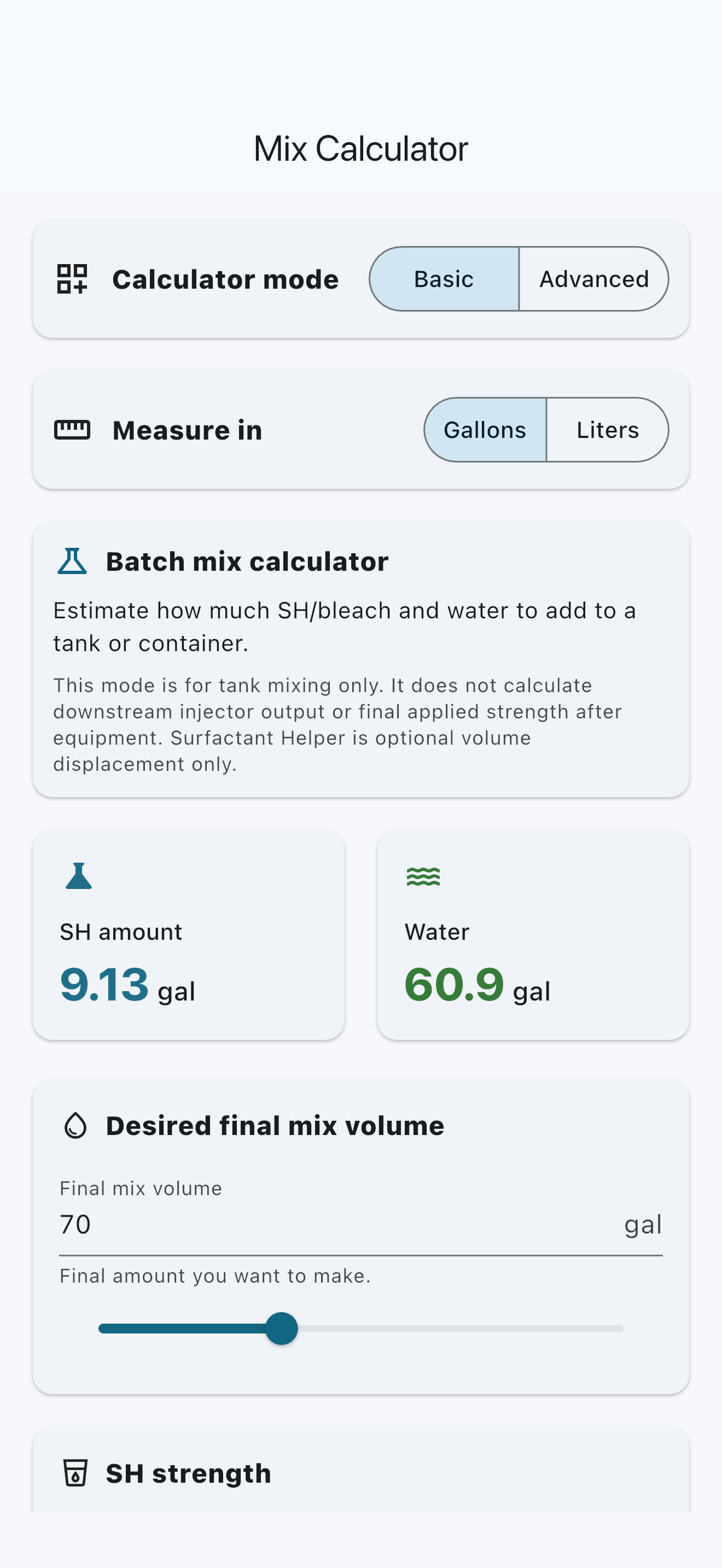
Start with the amount the tank or container should hold when the batch is finished.
Use the current source label and the target selected through your own training, documentation, and job assessment.
The calculator returns both values in gallons or liters without turning the estimate into application advice.
Keep the setup and notes locally for reference; clearing app data or uninstalling can remove them.
Three inputs. One clear result.
The underlying dilution math is transparent. Batch Mix handles the arithmetic while you remain responsible for the inputs, chemical choice, surface assessment, and jobsite decision.
Understand the calculator and its boundariesMore when it earns its place
Advanced tools stay separate from the free calculator so the main job remains quick and familiar.
Advanced Mode estimates applied SH after a downstream injector and keeps the bucket-test boundary beside the result.
Pro planning toolSurfactant Helper treats additive as optional displacement so the intended final batch remains clear.
Limited free uses includedStore names, notes, tags, equipment context, and whether you would use a saved mix again—all locally on the device.
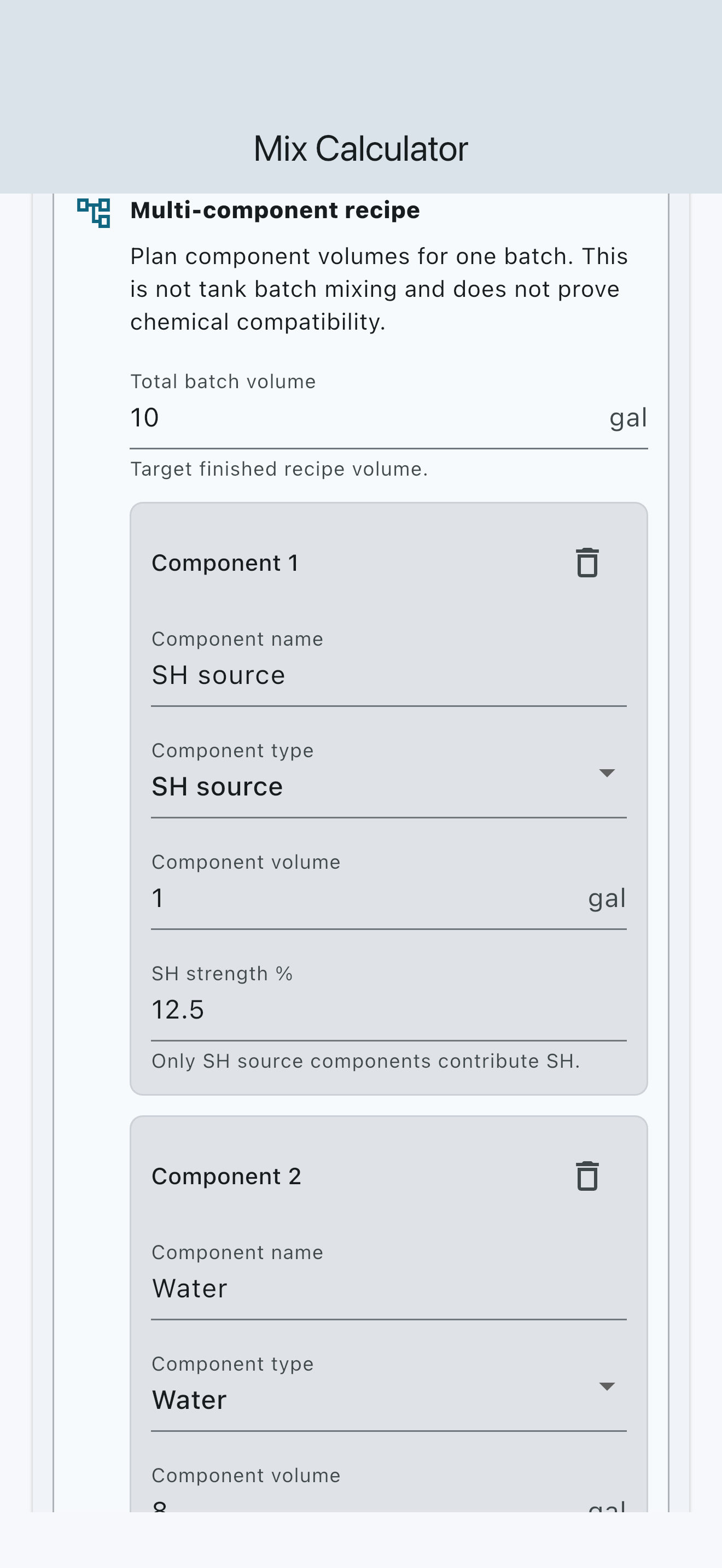
No account requiredBuild a multi-component plan without treating the calculator as proof that chemicals are compatible.
Pro planning toolGenuine shipping UI
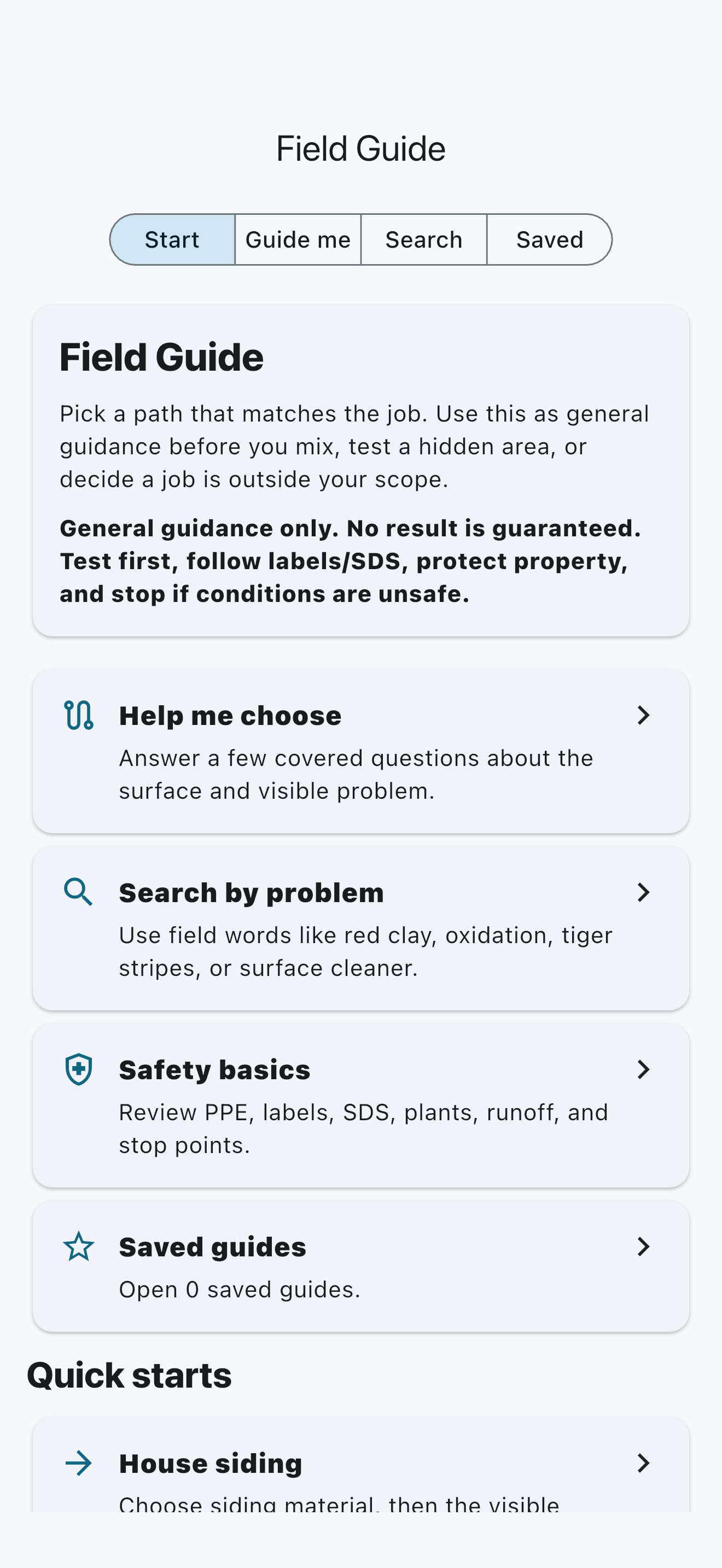
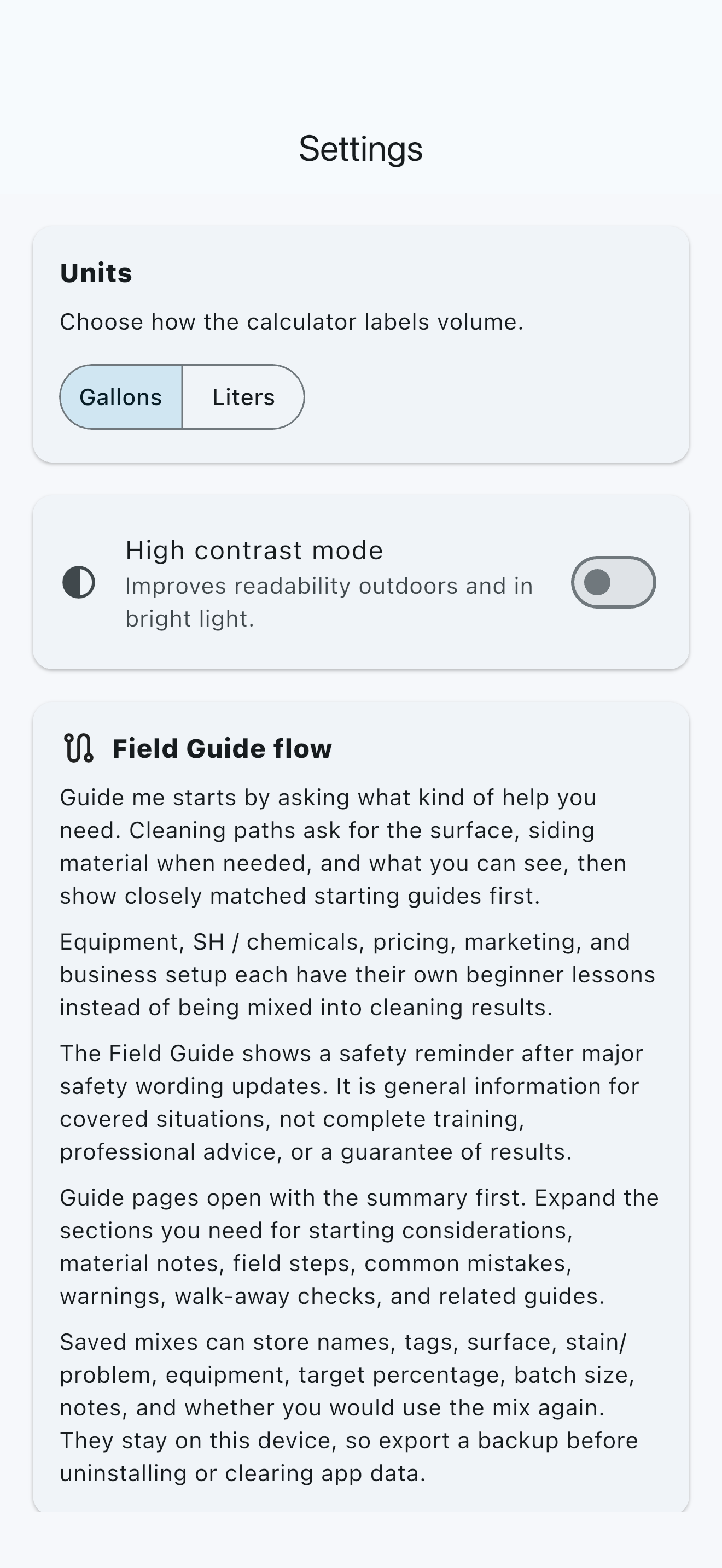
Every screen below is a genuine capture from the shipping Batch Mix candidate. Marketing composition frames the UI; it does not repaint controls, results, or product state.
A clear boundary
Batch Mix does not turn a familiar decade-old calculator into a surprise paywall. The everyday calculation remains available without a subscription.
The core path for planning and remembering an everyday batch.
Additional planning and reference tools for operators who need more depth.
Safety boundary
Batch Mix estimates inputs. It does not choose the chemical, concentration, surface method, PPE, runoff plan, or jobsite procedure.
Current labels, SDS, manufacturer and equipment instructions, training, and local rules govern.
Never mix sodium hypochlorite with acids, ammonia, or unknown chemicals.
Test a small hidden area, protect people and property, and stop when conditions or expected results are uncertain.
Before you install
Pricing, trials, billing, cancellation, and restore eligibility are confirmed by your app store—not by the marketing page.
No. The Basic Calculator, gallons/liters, saved mixes, and a limited number of Surfactant Helper calculations are available without a subscription.
Pro adds Advanced Mode, downstream planning, Recipe Builder, the Field Guide, and continued Surfactant Helper access after the free allowance.
Your Apple App Store or Google Play purchase screen shows the current localized monthly or annual price and whether your store account is eligible for an introductory offer before you confirm.
They stay on your device. Batch Mix does not require an account or sync those records to Stat Central. Clearing app data or uninstalling can remove them, so export available information first when that option is available.
The core calculator and guide content work without a network connection. Store purchase checks, restores, and subscription management still depend on Apple or Google services.
It does not replace labels, SDS, equipment instructions, training, surface testing, jobsite assessment, professional judgment, or local requirements.
Support and trust
Start with the focused support guide. If you still need help, email Stat Central with your device, app version, what happened, and the steps leading up to it—without passwords, payment details, or private jobsite information.